fiona o’leary optimizes digital workflow with spector & mimo devices
designed to improve common digital/physical disparities, spector and mimo provide essential functionality in two minimal, intuitive forms.
fiona o’leary optimizes digital workflow with spector & mimo devices
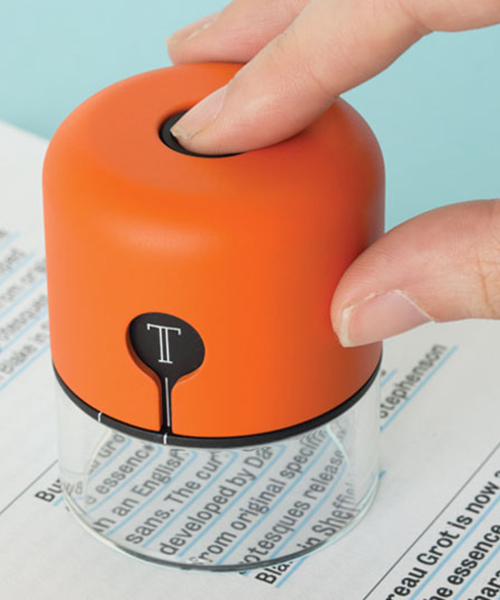
designer fiona o’leary connects physical and digital to improve creative workflow and efficiency in two products, ‘spector’ and ‘mimo’. the disparity between on-screen visualization and printed materials are often a point of frustration. digital creation, though positive in many aspects, makes scale an arbitrary detail, and colors are often difficult to perfect due to the screen’s backlit surface. ‘spector’ is a hand-held device that solves this issue by bypassing it entirely; starting from physical, and moving to the computer.
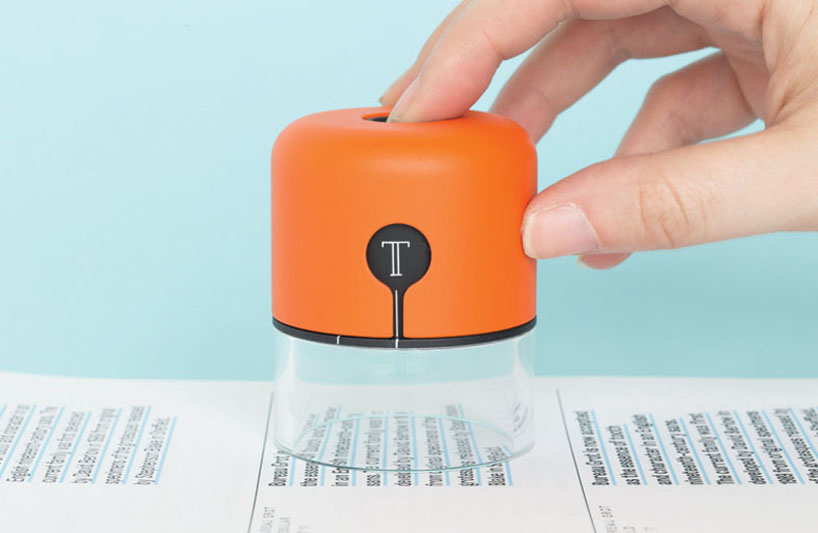 ‘spector’ changes on-screen text in real time to the exact typeface, size, leading and kerning of a sample
images © darek fortas
the small orange unit has an integrated camera with hardware that connects to adobe’s indesign as a plugin via bluetooth. using a button on top, the macro lens captures a sample (text or color) and matches received data with an online archive. in addition to typeface, o’leary’s ‘spector’ identifies precise kerning and leading, and changes on-screen text to match — in real-time no less. color capture is available as well, providing an exact breakdown in RGB or CMYK. recorded data is stored on the device for retrieval at any point in time.
video courtesy of fiona o’leary
‘mimo’ is aimed at copy and paste, a poorly-designed but essential daily interface. the device remedies common issues by visualizing what has been copied (before pasting) and allows multiple items to be copied at the same time. ‘mimo’ connects via bluetooth or mini USB, and features integrated storage so previous data can be accessed at different times and from various computers.
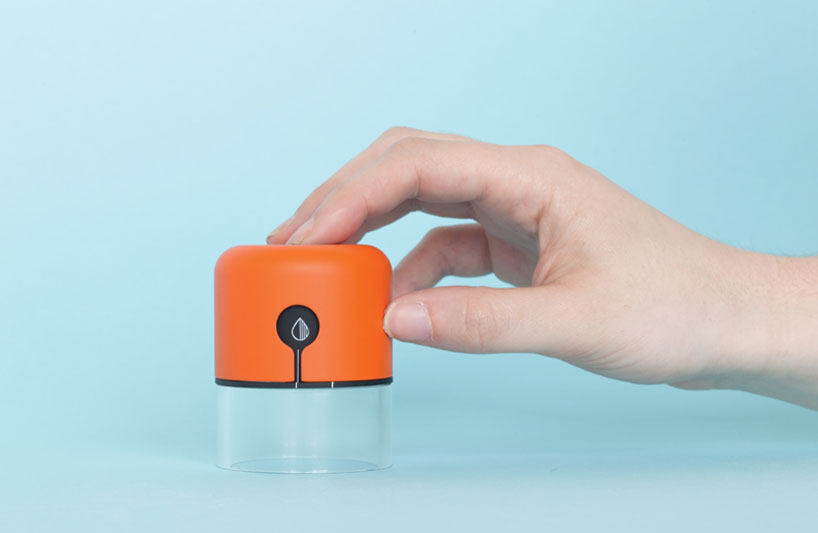
the device records colors as well, providing RGB and CMYK values
minimally designed with four color-coded sliders, ‘mimo’ works by selecting an image, text, file, or link and sliding one of the bars upwards. an application communicates which element is being held, and pasting is as simple as moving the corresponding bar downwards. other uses include bookmarking, researching, or editing. each slider can be password locked to prevent over-writing. ‘spector’ and ‘mimo’ tools were designed by fiona o’leary.
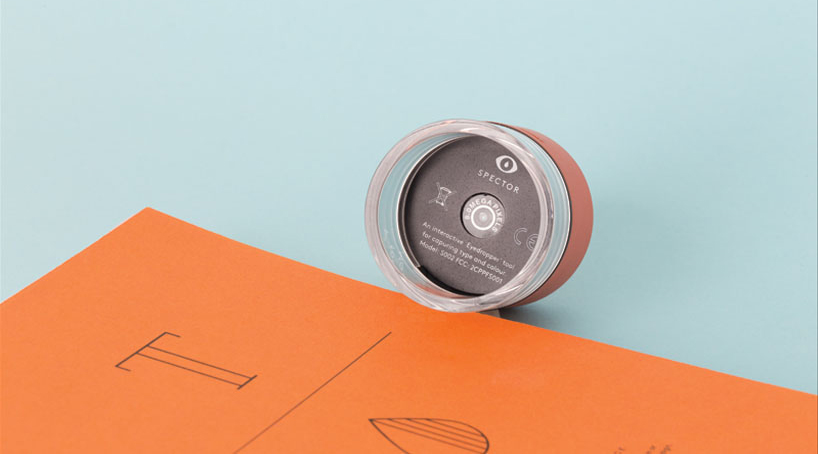
‘spector’ has a unique macro lens
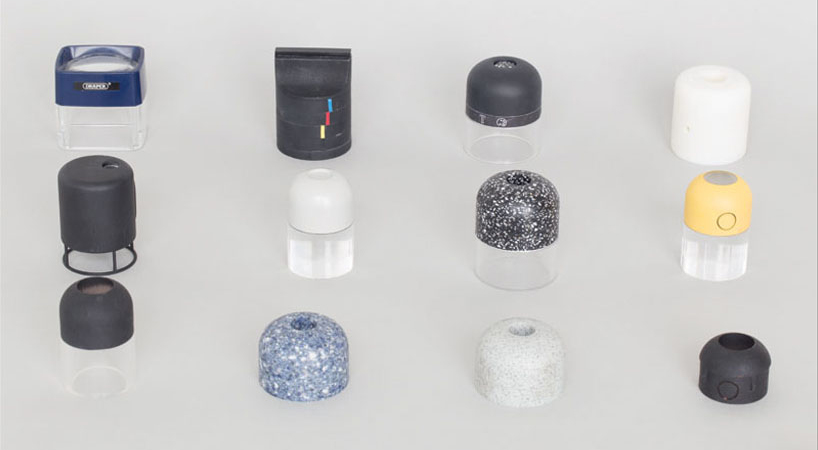
early prototypes
video courtesy of fiona o’leary
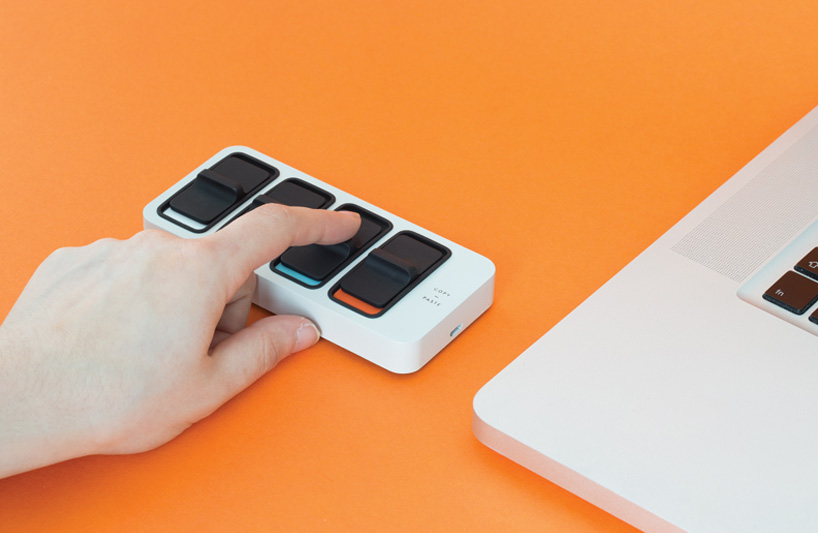
‘mimo’ is a multi-purpose drive and tool
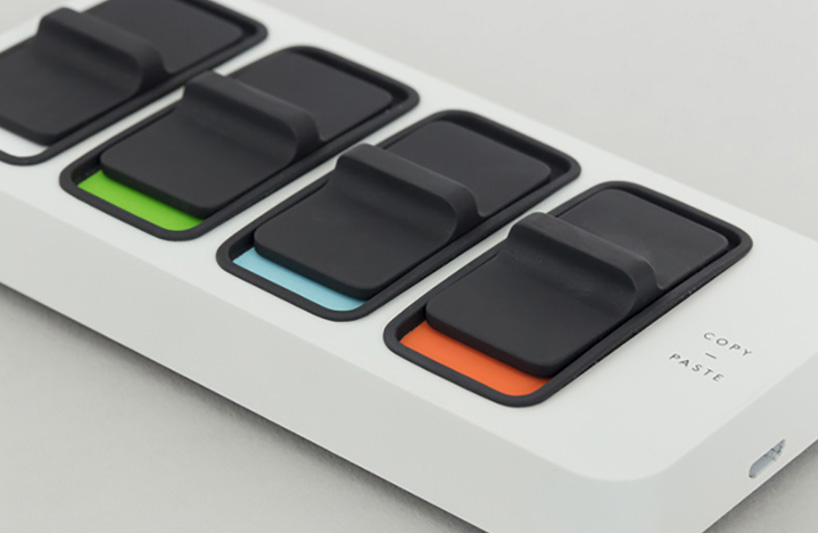
each color-coded slider operates as an individual clipboard
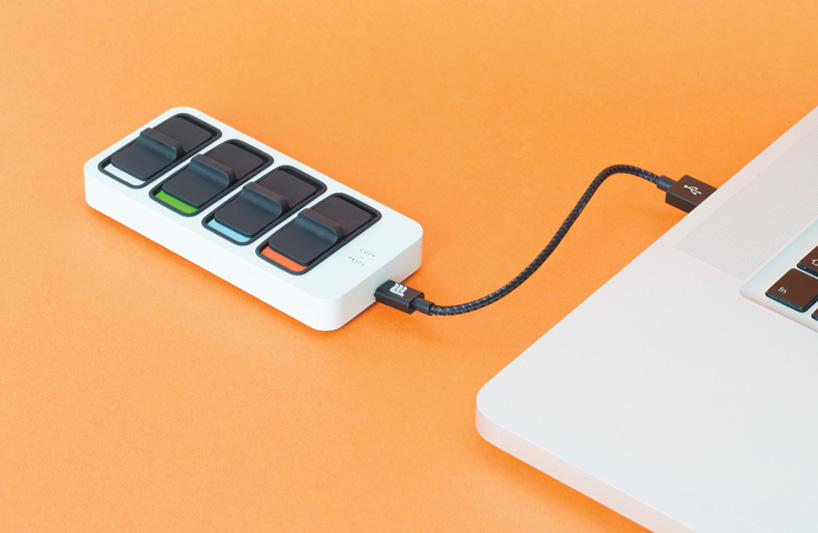
files can be saved directly on the device
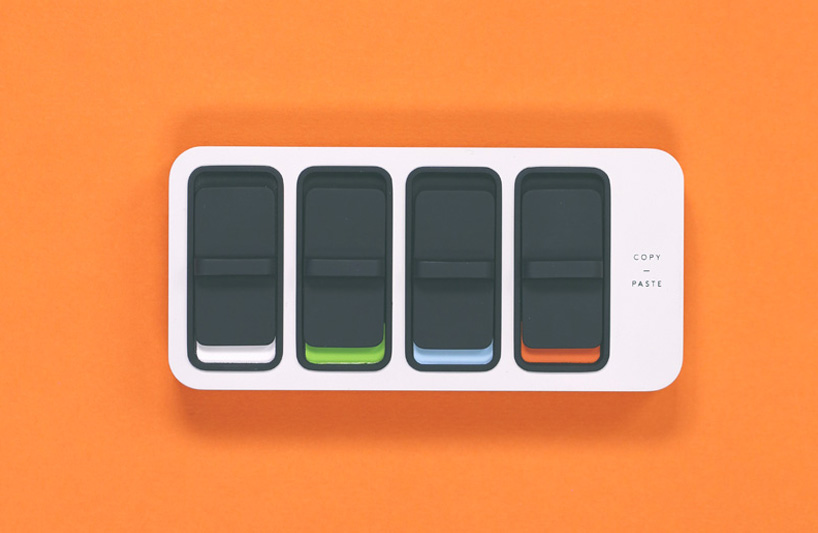
slide up to copy, down to paste
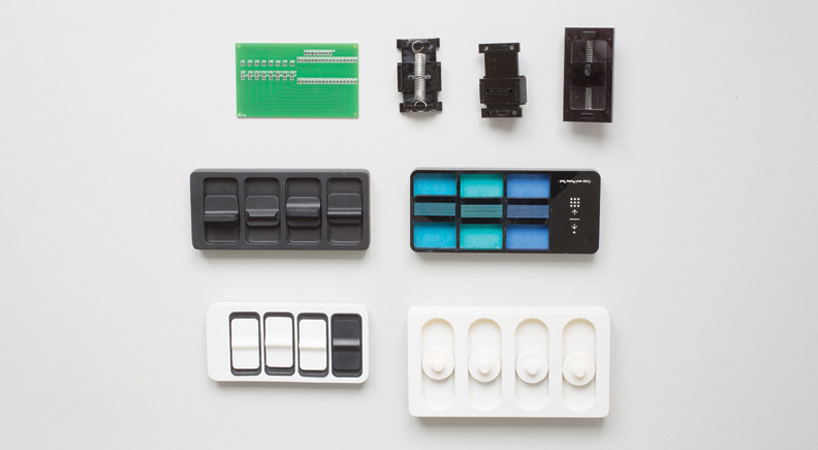
early prototypes
designboom has received this project from our DIY submissions feature, where we welcome our readers to submit their own work for publication. see more project submissions from our readers here.